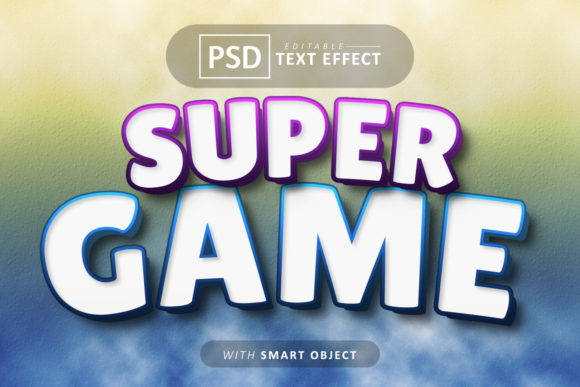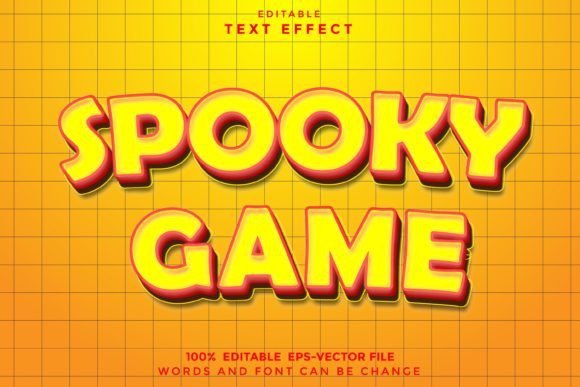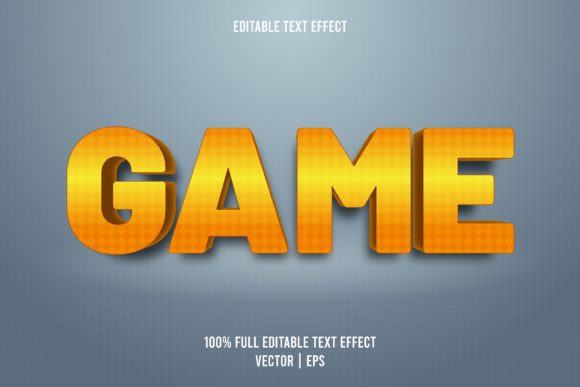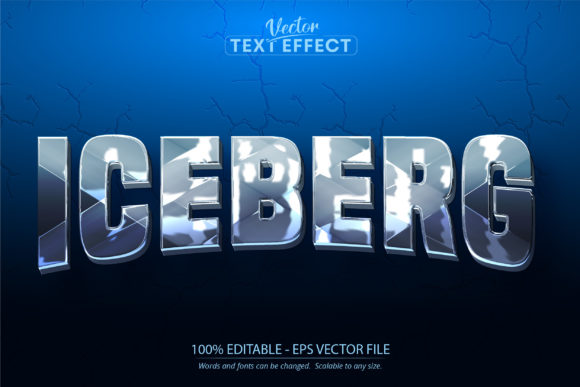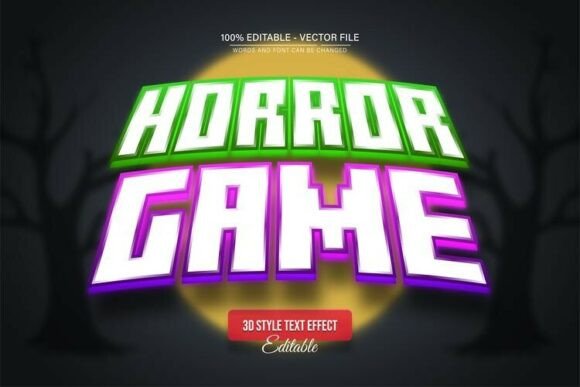
Scary Horror Game 3D Text Effect: Unleash Your Dark Creativity
Imagine a design asset that instantly transports your audience into a spine-chilling world of suspense and intrigue. The Scary Horror Game 3D Text Effect is more than just a font; it's a fully editable vector design tool crafted to give your projects a terrifyingly professional edge. Whether you're designing a game title, a movie poster, or a haunted event invitation, this effect provides the dramatic, dimensional typography that captures the essence of horror with stunning clarity and depth.
This premium design asset is built for flexibility and quality. Delivered in both EPS and JPG formats, it is 100% editable in applications like Adobe Illustrator. You can scale it to any size—from a small social media icon to a massive billboard—and the quality remains perfectly crisp. The text is fully editable, allowing you to change words, fonts, and colors to match your specific vision. With unlimited color variations possible through simple editing, you can tailor the mood to anything from blood-red gore to eerie, ghostly green.
Creative Applications for a Powerful Visual Impact
This versatile 3D text effect shines in a variety of creative contexts. Its gritty, immersive texture makes it ideal for projects that demand attention and evoke a specific, thrilling atmosphere. Consider using it for:
- Video Game Branding: Create iconic logos and title screens for indie horror games, instantly setting the tone.
- Film & Event Posters: Design eye-catching posters for horror movies, Halloween events, or haunted house attractions.
- Social Media Graphics: Craft scroll-stopping visuals for announcements, trailers, or themed content on platforms like Instagram and YouTube.
- Merchandise & Packaging: Apply it to T-shirts, stickers, or product packaging for a bold, marketable look that fans will love.
- Editorial Design: Use it for magazine covers, book titles, or digital publications focused on the thriller or dark fantasy genre.
Tips for Choosing and Using Display Fonts
When integrating a powerful effect like this into your workflow, a few practical considerations will ensure the best results. First, always prioritize readability. While a decorative horror font is fantastic for headlines, pair it with a clean sans-serif font for body text to maintain balance. Test your chosen font pairing in a mockup to see how they interact visually.
Next, consider the mood of your overall brand identity. This 3D effect carries a very specific, intense vibe. Ensure it aligns with your project's tone—whether it's for a gritty logo design, a mysterious web design header, or dramatic packaging design. The goal is to enhance your message, not overwhelm it.
Finally, review the asset's features and license. Knowing that this is a vector design means you have ultimate control. The easy-to-follow instructions for changing the text in Adobe Illustrator mean you don't need advanced skills to achieve a polished, custom result. This kind of design asset saves time and elevates the professionalism of your work, making it a valuable addition to any creative toolkit.
Choosing the right typography is a crucial step in visual storytelling. A well-executed 3D text effect can transform a simple layout into an immersive experience, strengthening visual consistency and leaving a lasting impression. By selecting high-quality, editable resources, you empower yourself to produce standout designs that truly resonate with your audience.