Modern Game Text Effect: A Designer's Creative Toolkit
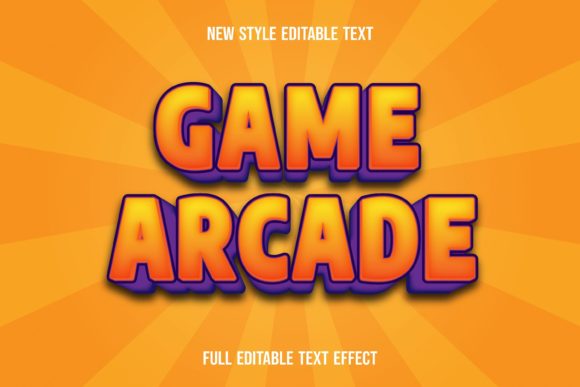
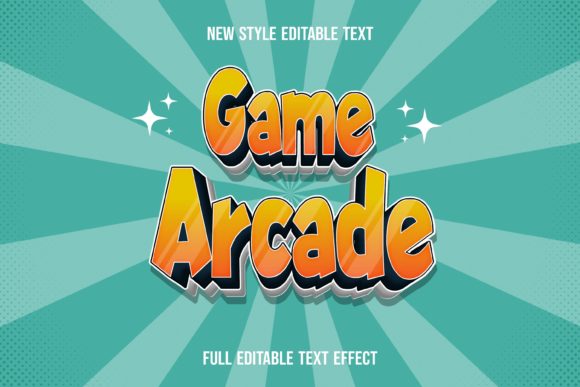
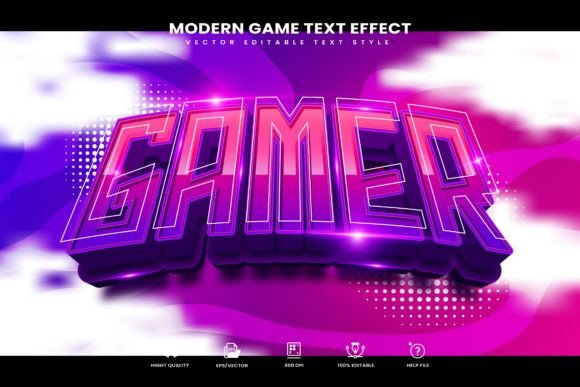
Imagine transforming your typography into something that feels dynamic, polished, and ready for the spotlight with just a few clicks. The Modern Game Editable Text Effect is a collection of vector text styles designed to bring a sleek, contemporary edge to your projects. It's built for creatives who want professional results without complex steps, making it a valuable asset for anyone working in Adobe Illustrator.
This isn't just a single font or a static image. It's a versatile design asset that functions as a powerful graphic style. Once installed, you can apply it to any text or vector shape in Illustrator, instantly giving it that modern, game-inspired aesthetic. The real magic lies in its editability. You're not locked into a single look. You can change the words, adjust the shapes, and tweak colors to fit your exact vision, all while maintaining the core effect. This level of flexibility is a huge time-saver for branding projects, logo design, or any work requiring consistent visual language.
Where Can You Use This Modern Text Style?
The applications for a premium font effect like this are broad, especially for projects aiming for a bold, impactful impression. Think beyond standard body text; this is a display font treatment meant for headlines and focal points.
- Brand Identity & Logos: Create a unique wordmark or logotype that stands out in a crowded market. The effect adds depth and character, helping with instant brand recognition.
- Poster Design & Packaging: Ideal for event posters, product packaging, or merchandise that needs to catch the eye from a distance. It conveys energy and modernity.
- Social Media Graphics & Web Design: Use it for headers, banners, or call-to-action buttons to increase engagement. The clean vector quality ensures it looks sharp on any screen.
- Digital Products & Editorial Layout: Enhance the cover of an e-book, the title of a presentation, or the headline of a magazine spread to give it a polished, professional feel.
Tips for Choosing and Using Your Font
Integrating a new typeface or style into your workflow is about more than just how it looks in isolation. Here’s how to get the most out of the Modern Game Text Effect.
First, consider the mood. Does its modern, slightly technical vibe match your project's tone? It's perfect for tech, gaming, sports, or any forward-thinking brand. Next, test font pairing. A bold display style like this pairs well with a simple, clean sans serif font or even a classic serif font for body text, creating a balanced hierarchy. Always check readability at the size you'll use it. While it's designed for impact, the letterforms should remain clear.
Finally, review the included files. This package comes with help documentation and font links, so you have everything you need to start. The 300 dpi RGB file is ready for digital use, and the vector formats ensure scalability for print. Choosing a well-crafted creative font or style is an investment in your project's visual consistency. It streamlines your design process and elevates the final presentation, making your work look more considered and professional from the first glance.