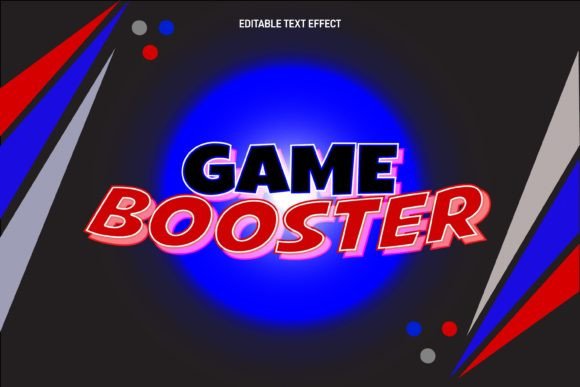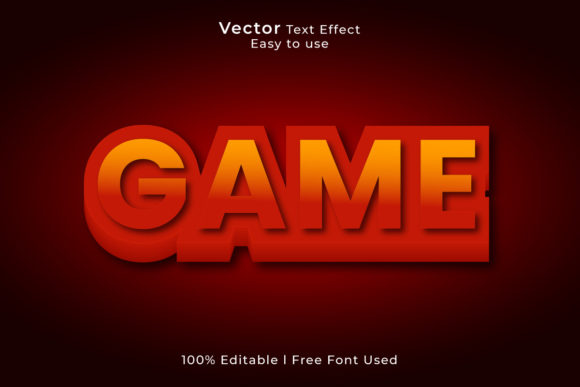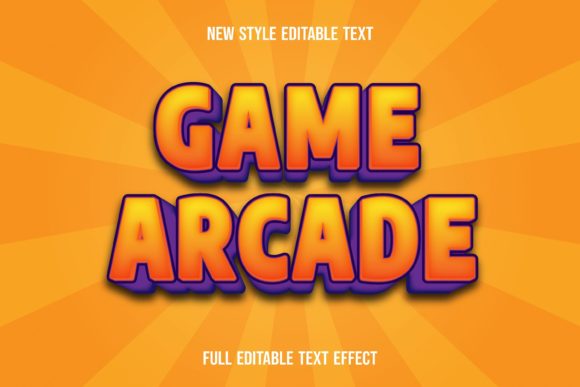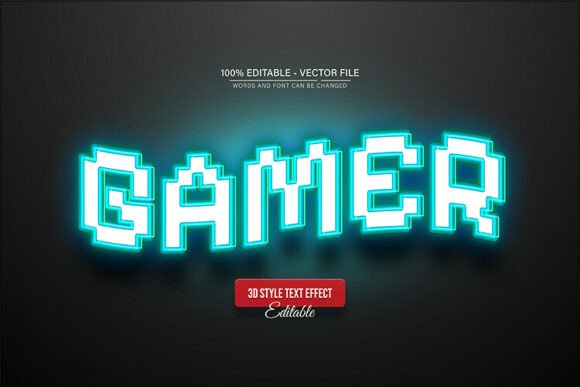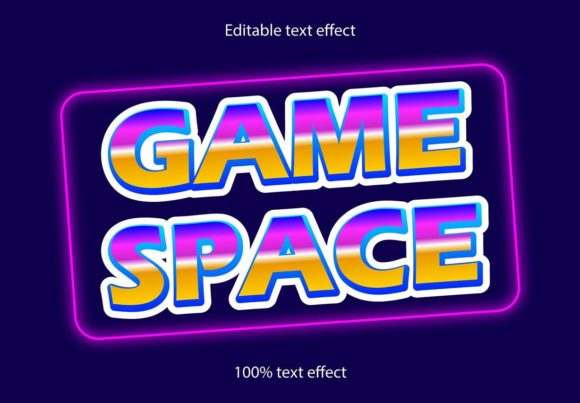
Game Space Retro Text Effect for Adobe Illustrator
If you've ever wished you could instantly transport your typography back to the golden age of arcade cabinets and pixel art, the Game Space Retro Text Effect is the creative tool you've been looking for. This is not a traditional font file you install on your system; instead, it is a specialized effect for Adobe Illustrator that transforms any standard font or vector shape into a stunning, retro-futuristic masterpiece with just a few clicks.
The true strength of this asset lies in its ability to apply a complex, multi-layered style to your text without compromising on editability. Because it is designed specifically for Adobe Illustrator and EPS file formats, you retain full control over every anchor point and curve. This means you can scale your design to any size—whether it is for a tiny favicon or a massive billboard—without ever losing the crisp, vector quality. It is the perfect solution for designers who need that vintage aesthetic but lack the time to manually build intricate text effects from scratch.
Creative Applications and Versatility
The visual language of the 80s and 90s is incredibly popular right now, making this effect highly versatile for modern branding and digital content. Imagine using the Game Space Retro Text Effect to create a bold, standout logo for a tech startup or a gaming channel. The textured, dimensional look adds immediate depth and character, helping a brand identity feel established and visually interesting right from the start.
Beyond logo design, this tool shines in editorial and packaging contexts. It is particularly effective for:
- Poster Design: Creating eye-catching headlines for music events, movie posters, or art prints that demand attention.
- Packaging Design: Adding a nostalgic, premium feel to product boxes, especially for merchandise, apparel, or specialty food items.
- Social Media Graphics: Designing scroll-stopping thumbnails for YouTube, Instagram stories, or banner ads that need to communicate energy and excitement.
- Web Design: Using stylized headings to break the monotony of standard sans-serif web fonts and inject personality into a landing page.
Tips for Seamless Integration
One of the best features of this typography asset is that it works with every font or shape. You are not restricted to a specific typeface. This allows for incredible experimentation with font pairing. You can take a classic serif font or a modern sans-serif font and apply the retro effect to see how the mood changes. However, for the best results, ensure that the base font you choose has a weight that can support the complexity of the effect; very thin, delicate scripts might get lost under the heavy texture.
When incorporating this into your projects, always keep the final application in mind. If you are designing for web use, remember that while the vectors are scalable, the visual "noise" of a retro effect should be balanced with clean, readable body text elsewhere on the page. This ensures your design assets look professional and polished rather than cluttered.
Ultimately, choosing the right creative font or text effect is about more than just aesthetics; it is about effective visual communication. The Game Space Retro Text Effect offers a high-quality, commercial-ready solution that bridges the gap between nostalgia and modern design needs. By providing a fully editable, scalable, and easy-to-use format, it empowers creators to produce high-impact visual content that resonates with audiences and elevates the overall quality of any project.